Smart queuing, satisfaction feedback and lookup
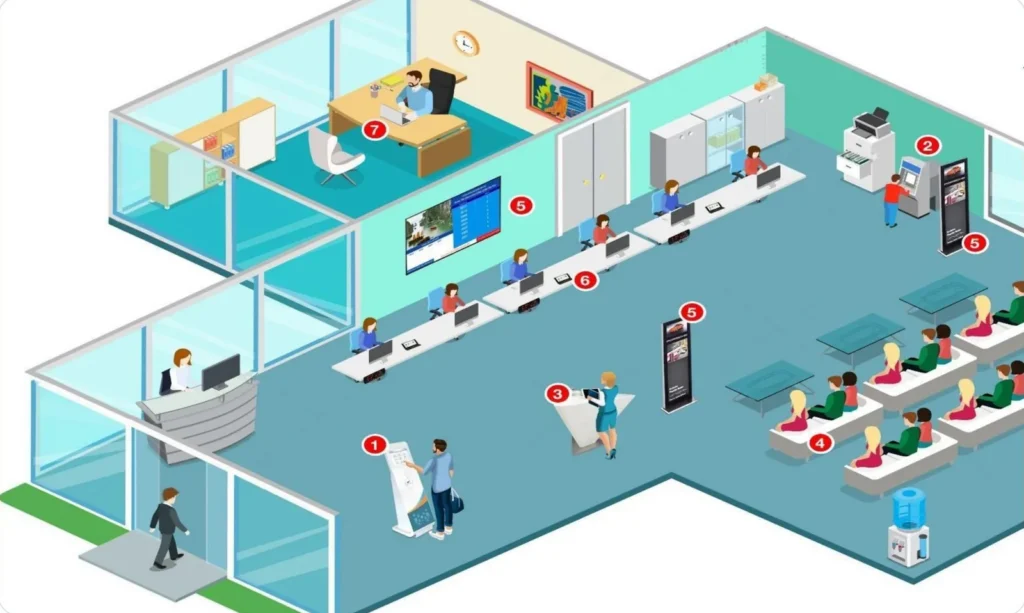
From booking an appointment at home to collecting the result at the counter, iQMS brings the whole journey onto one platform: ticketing, calling, feedback, application lookup and an AI virtual assistant.
Download brochure (PDF, 6,1 MB)
Choose a service
Tap to try. Sample data.
Move the mouse to turn the kiosk, tap the screen to take a number
iQMS is a visitor management platform developed by INNTEK in Vietnam. Visitors know where they are in the queue, staff call the right person to the right counter, and managers see service quality in real time. Vietnamese and English interface, for a single site or many sites managed centrally.
Six modules, one visitor journey
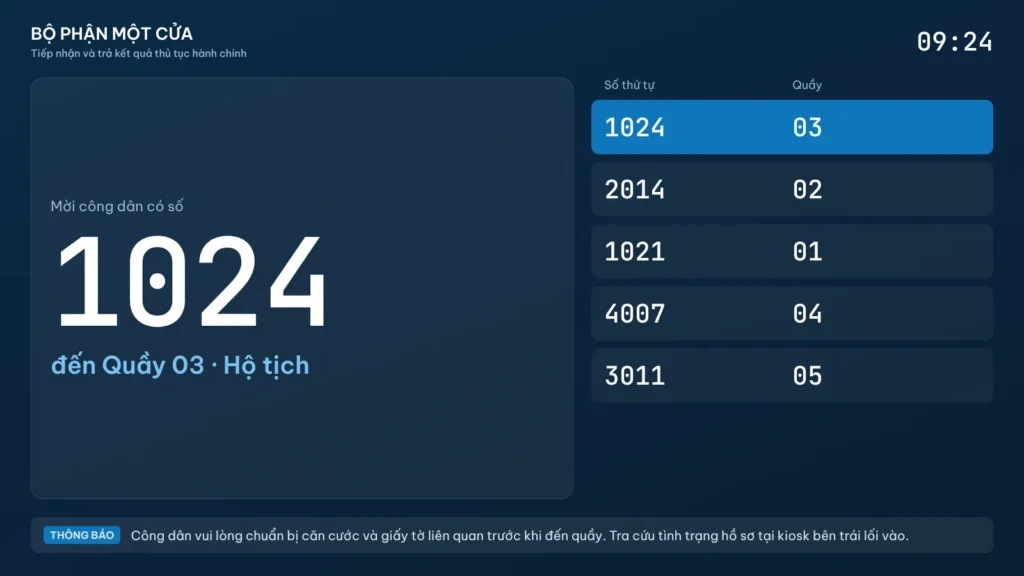
Ticketing and calling
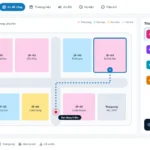
Visitors tap the screen, get a ticket and know the expected waiting time. Staff call the next number with one button. Every service is recorded for statistics.
- Touch kiosk prints tickets with counter and expected time, in Vietnamese and English
- Central display on Android TV: numbers being served, missed numbers, ticker, video
- LED or LCD board at each counter, customizable voice calls
- QMS Caller: call next, recall, transfer counter, return to queue
- Pause ticketing when a counter is on break, open the case software and camera quickly
Online booking and electronic identification
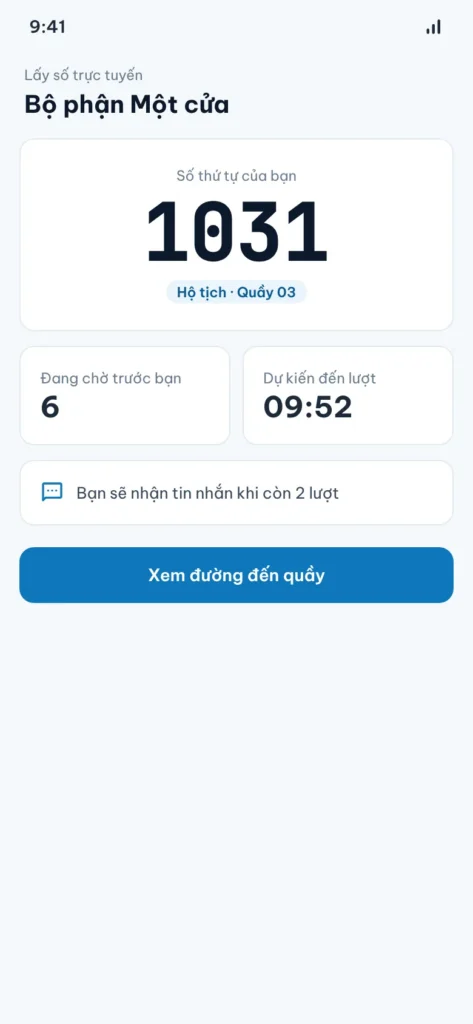
Visitors pick a date and time on their phone, receive an appointment ticket and simply arrive on time. The center plans counters ahead and avoids peak-hour crowding.
- Three booking channels: website, Zalo Mini App, Android and iOS apps
- SMS OTP verification, appointment ticket saved as an image
- The app scans the ID card with the camera to fill in details and shows appointment history
- At the service point: chip-based ID card, VNeID QR code or AI camera
- One set of verification devices for ticketing, feedback and submissions
Satisfaction feedback at the counter
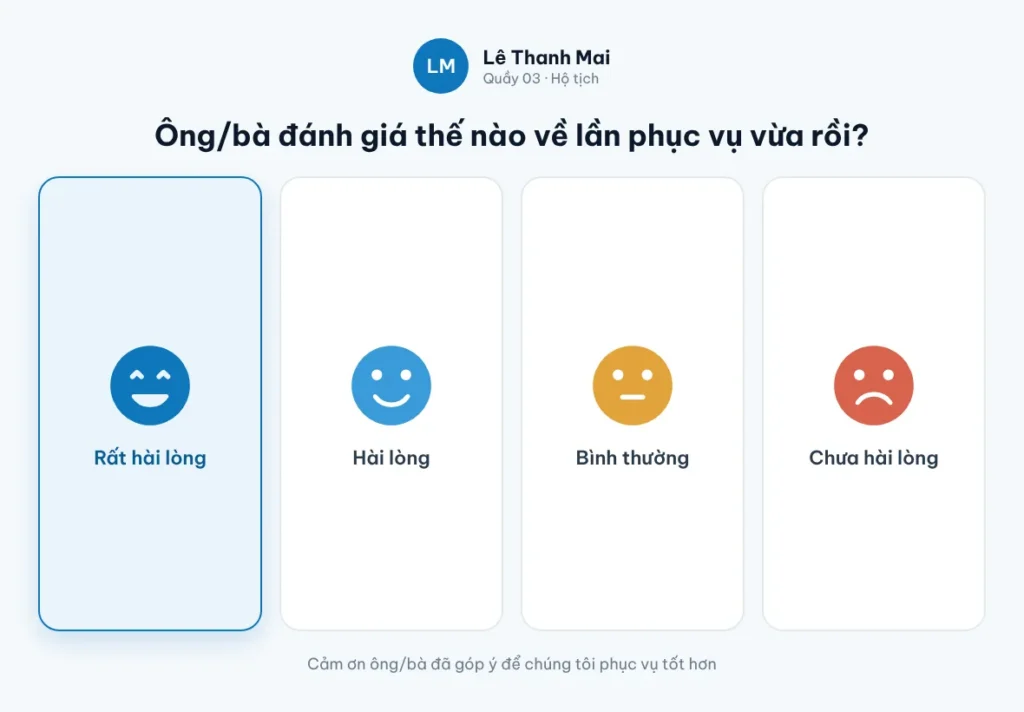
Right after the service, visitors rate it with one tap. Feedback is linked to the counter and the officer and reaches managers in real time.
- Rating icons, score scales, questions with follow-up questions
- Question sets per service or per survey round
- Duplicate and invalid ratings filtered
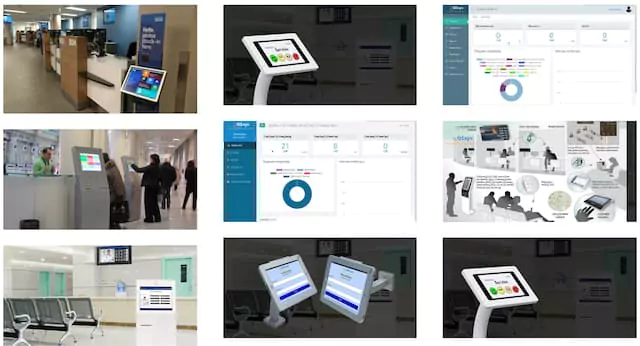
- Counter tablet with a split screen showing the queue number; central feedback kiosk in the lobby
- QR code to the provincial public service portal survey (optional)
Look up, submit and collect administrative procedure applications
A self-service point for public administration service centers and one-stop service desks. A simple touch interface that older people and those new to computers can use.
- Procedure and document lookup; embeds the national and provincial public service portals
- Check application status and results on the National Public Service Portal, with ID card or VNeID verification
- Submit applications at the kiosk with A4 and A3 scanner and printer, via LGSP or the public service portal
- Plays information videos when idle, stops when the AI camera sees someone approach
- Locked mode: only the main app runs, devices monitored remotely
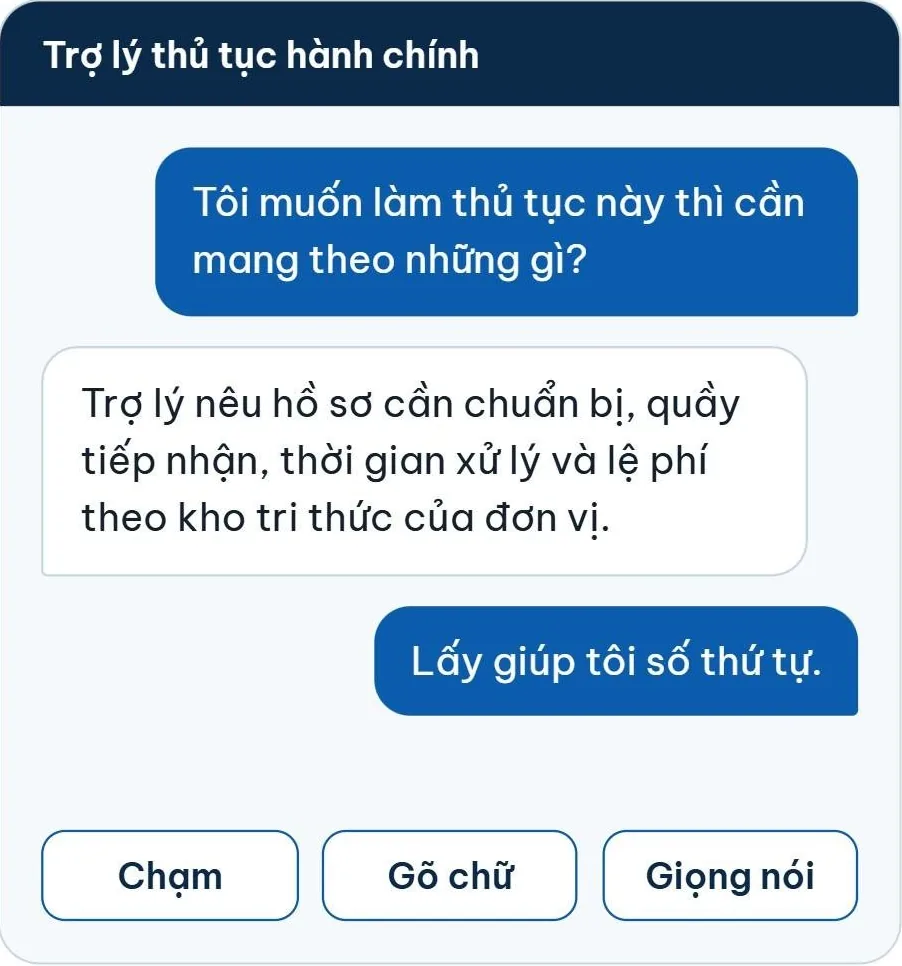
An AI virtual assistant, the help desk that is never overloaded
Visitors ask as they would ask a help desk officer: which documents, where to submit, how long it takes. The assistant answers briefly from content the center has approved, taking repetitive questions so officers can focus on applications.
- Runs entirely on the internal network on the center's GPU server, and keeps answering without the Internet
- A knowledge base the center owns: load PDF, Word, Excel, forms and FAQs
- Ask by tapping, typing or voice; follow-up questions in the same session
- Optional ticketing, satisfaction feedback and submission guidance
- Staff review questions and see the most asked procedures
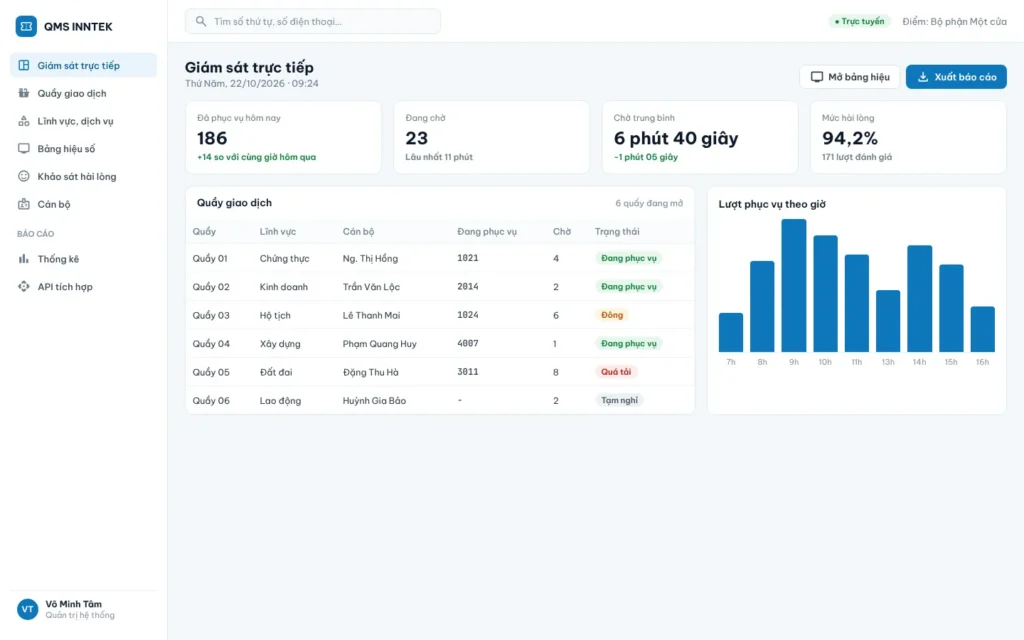
Central administration, secure by design
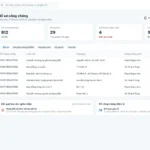
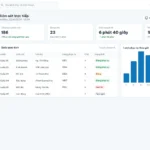
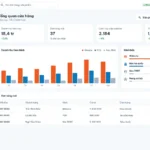
Track ticketing, case progress and service quality in one interface. All traffic between staff and kiosks passes through a single control point.
- Statistics by time, counter and service; remote kiosk monitoring
- Internal Gateway separates the staff zone from the kiosk zone, default deny
- Booking server in its own DMZ: reverse proxy, WAF, API Gateway
- On-premises or cloud deployment over site-to-site VPN
- Integration APIs for the public service portal, LGSP, sector databases, statistics
New in the 2026 generation
Multichannel booking
Website, Zalo Mini App, Android and iOS apps, SMS OTP verification.
Electronic identification
Chip-based ID card, VNeID QR code or AI camera at the service point.
On-premises AI virtual assistant
A language model running on site, working even without the Internet.
Submit and collect at the kiosk
Built-in A4 and A3 scanner and printer, with citizen verification.
Internal Gateway
Separates the staff network zone from the kiosk zone and opens only declared ports.
Integration APIs
Connects to LGSP, the public service portal and sector systems.
Expected time
Tickets show the receiving counter and the expected service time.
Vietnamese and English
Kiosk, tickets and displays in Vietnamese and English.
One site or many
Runs on its own at one service point or manages many sites centrally.
Deployed at
- Public administration
Public administration service centers in provinces and cities
Ho Chi Minh City, Dong Nai, Vinh Long, Bac Lieu, Ca Mau, Can Tho, Lam Dong, Khanh Hoa, Dak Lak, Quang Ngai and many other localities.
Frequently asked questions
Which devices does iQMS run on?
Touch kiosks run Windows 10/11, the central display is an Android TV or a browser over LAN or Wi-Fi, staff use Windows PCs or tablets, and feedback runs on Android tablets. The server software installs on a physical server, a virtual machine or directly on a kiosk or PC.
How do visitors book remotely?
Through the center's website, a Zalo Mini App in its Zalo Official Account or the Android and iOS apps. Visitors verify with an SMS OTP, save the appointment ticket and arrive on time to be called to the counter.
Does iQMS connect to the public service portal?
Yes. The kiosk embeds the national and provincial public service portals for lookup; the advanced edition checks application status on the National Public Service Portal and submits applications via LGSP. The integration scope is surveyed for each center.
Does the AI virtual assistant need the Internet?
No. The language model runs on a GPU server at the center and question data never leaves the premises. The kiosk keeps answering when the Internet is down.
How does the system keep information secure?
The Internal Gateway separates the staff and kiosk network zones and opens only declared ports and addresses. The online booking server sits in its own DMZ behind a reverse proxy and WAF. Kiosks run only the main app and are monitored remotely.
Does INNTEK supply the hardware?
INNTEK supplies the software and the installation, configuration, training and acceptance support. Hardware is prepared by the center or a deployment partner to a reference specification; existing devices can be reused if they meet the minimum specification.
What support does INNTEK give after go-live?
INNTEK trains staff and administrators on site, provides technical support, maintains the servers and updates the AI assistant's knowledge base as committed in the contract.
Book an iQMS demo
An INNTEK specialist will contact you within 1 working day to survey your needs and present the system.
Download brochure (PDF, 6,1 MB)Demo request received
An INNTEK specialist will contact you within 1 working day to schedule the demo.